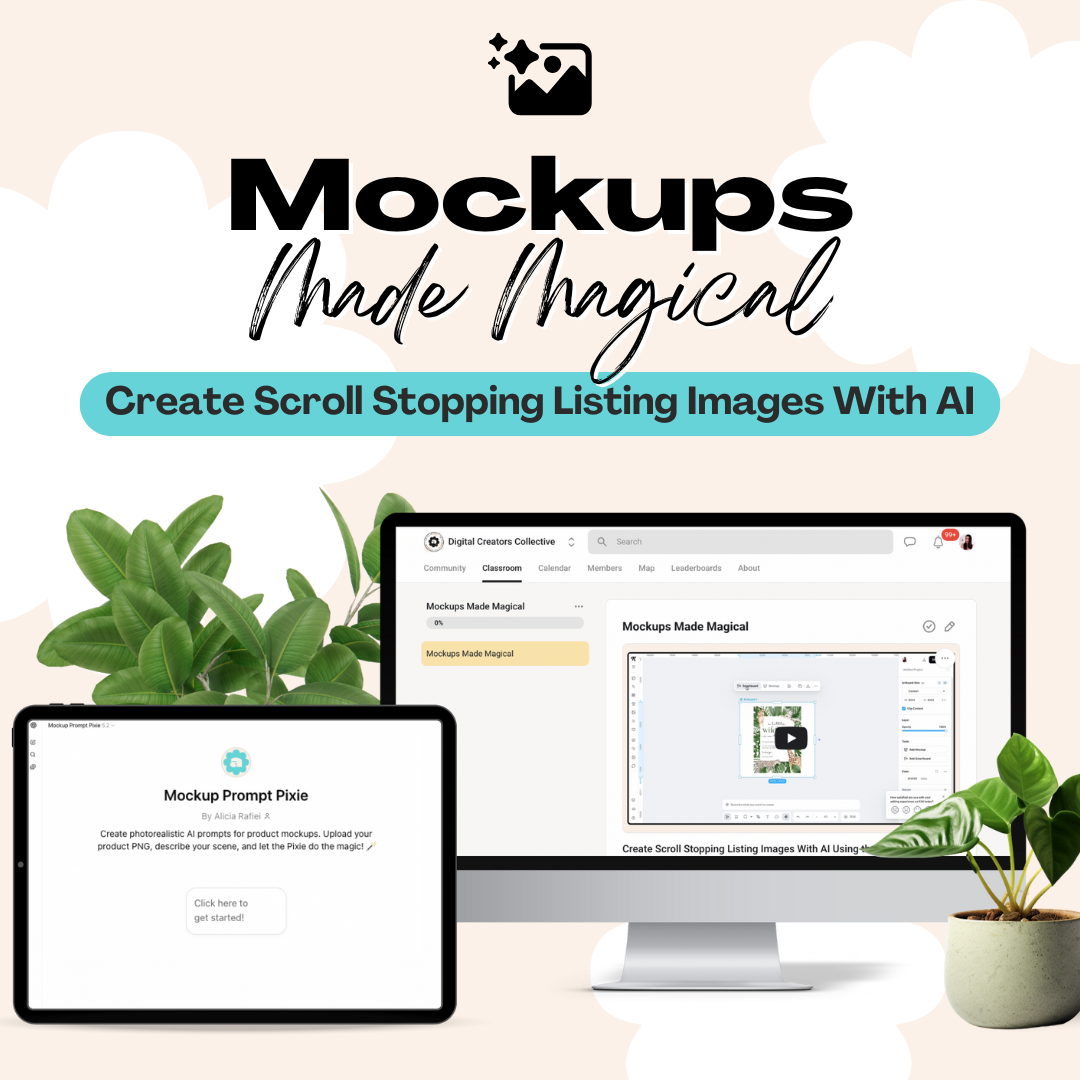


Mockups Made Magical: Create Scroll Stopping Listing Images With AI
- Regular price
-
$47.00 - Regular price
-
- Sale price
-
$47.00
Couldn't load pickup availability
Create Scroll Stopping Listing Images With AI (No Photoshop Needed)
Creating beautiful mockups shouldn’t feel hard or time-consuming.
This workshop shows you how to turn your digital product into polished, realistic mockups using AI, without Photoshop, design skills, or endless stock photo searching.
Inside this training, you’ll learn how to use the Mockup Prompt Pixie, a custom AI chatbot that creates ready to use mockup prompts for you. All you do is answer a few simple questions, copy the prompt, and paste it into your image generation tool.
That’s it.
What This Workshop Helps You Do
This training will walk you through how to:
-
Create realistic, professional mockups for your digital products
-
Generate scroll-stopping listing images in minutes
-
Keep your visuals cohesive and on brand
-
Stop overthinking mockups and actually get your product listed
Perfect for planners, invitations, wall art, printables, templates, and more.
How It Works
You’ll use the Mockup Prompt Pixie to:
-
Upload your product image if you have one
-
Answer a few quick questions about your product and vibe
-
Receive a fully written mockup prompt
-
Paste that prompt into your AI tool of choice
The Pixie does the thinking and prompt writing for you.
You can use the generated prompts inside tools like Kittl, Canva, Nano Banana, or similar AI image tools.
What’s Included
When you purchase this workshop, you’ll get:
-
A step-by-step written training you can follow at your own pace
-
Guidance on using the Mockup Prompt Pixie from start to finish
-
Tips for generating multiple mockup variations quickly
-
A simple repeatable system you can use for every product you create
No design software.
No Photoshop.
No prompt writing from scratch.
Perfect For You If
This workshop is ideal if you:
-
Sell or plan to sell digital products
-
Feel stuck or overwhelmed by mockup creation
-
Want your listings to look more polished and professional
-
Prefer simple systems that save time
Whether you’re creating your first listing or refreshing an existing one, this method fits seamlessly into your workflow.
What You’ll Walk Away With
By the end of this workshop, you’ll have:
-
At least one finished AI-generated mockup
-
A clear process you can reuse again and again
-
More confidence in how your products are presented
Mockups no longer need to be the thing that slows you down.
What You'll Receive
Access Instructions
Important Information
Frequently Asked Questions